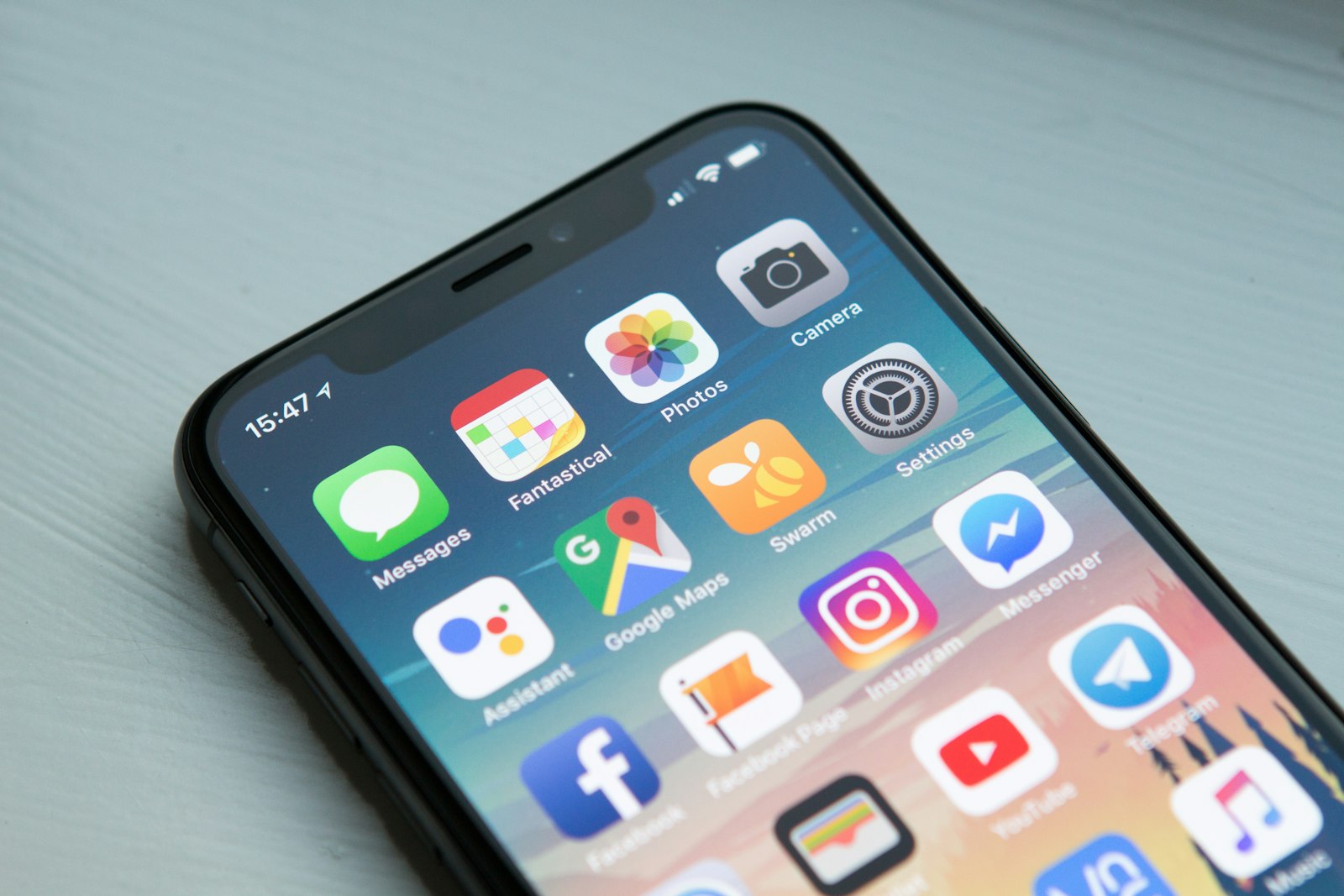
Throne Guardian is a web app (PWA). That means you don’t need an App Store pilgrimage as the primary path. You visit the site, add it to your Home Screen, and get an icon that opens like a mini app—perfect for a mindful bathroom session timer.
Important: For install CTAs, use the apex site [throneguardian.com](https://throneguardian.com) right now. The app host at app.throneguardian.com has had redirect quirks; until that’s fully fixed, start from the marketing apex so you land cleanly.
Offer: free for 24 hours, then $2.99 lifetime. No subscriptions.
Before you install
- Open throneguardian.com in the right browser (Safari on iPhone, Chrome on Android).
- Sign in / start your trial as the site prompts.
- Add to Home Screen so the next bathroom visit is one tap—not a URL scavenger hunt.
iPhone (Safari)
- Open Safari (not Chrome-in-iOS if you want the classic Add to Home Screen flow).
- Visit [throneguardian.com](https://throneguardian.com).
- Tap the Share button (the square with the arrow pointing up).
- Scroll the share sheet and tap Add to Home Screen.
- Confirm the name if you want, then tap Add.
You’ll get an icon on your Home Screen. Open it when you sit down. Start a session. Stay with it. Finish and log. Habit energy without App Store bureaucracy.
iPhone tips
- If you don’t see Add to Home Screen, scroll the share sheet—it’s often below the first row of actions.
- Use Safari for this flow; that’s the path that matches how iOS exposes Home Screen installs for PWAs.
- After install, open from the icon for the most app-like feel.
Android (Chrome)
- Open Chrome.
- Visit [throneguardian.com](https://throneguardian.com).
- Tap the menu (⋮, usually top right).
- Tap Add to Home screen or Install app (wording varies by Chrome version).
- Tap Add / confirm.
Icon lands on your Home Screen. Same product idea: mindful timer, ambient audio, defeat the scroll by staying with the session, build the habit when you finish and log.
Android tips
- Some devices show an install banner in Chrome; you can use that or the menu path above.
- If you see both “Add to Home screen” and “Install app,” either gets you a home-screen entry—pick what’s offered.
- Keep Chrome updated if the install option is missing; older builds bury it differently.
Why Home Screen beats “I’ll remember the URL”
Bathroom habits happen in half-awake mode. Friction kills good intentions. An icon next to your other apps means you can start a session before the feed recruits you.
That’s the whole install philosophy: make the mindful path easier than the doomscroll path.
What you get after install
- Fast launch for Start the session (mindful routine timer + ambient background audio)
- A clear place to defeat the scroll by staying with the session
- Room to build the habit by finishing and logging
No claim here about cheat detection or push reminders—just the session loop that ships in the product story.
Pricing reminder (because install without clarity is rude)
- Try free for 24 hours
- Then $2.99 once for lifetime access
- No subscriptions
Irreverent product, honest checkout. Your wallet stays un-haunted.
Troubleshooting quick hits
- Wrong browser: iPhone → Safari; Android → Chrome.
- Can’t find Add to Home Screen: open the share/menu fully; options hide below the fold.
- Weird redirects: use throneguardian.com (apex) until app.* redirect issues are fully resolved.
- Icon opens browser chrome: still fine—PWA experience varies by OS; the timer still works.
Next reads
- Product flow: How Throne Guardian Works
- Habit framing: Stop Scrolling on the Toilet
- Time warp vibes: Bathroom Time Warp
- Morning angle: Reclaim Your Mornings
CTA: Install from the apex. Free 24 hours, then $2.99 lifetime. → throneguardian.com
---
Internal link suggestions: - https://throneguardian.com (required install CTA) - `/blog/how-throne-guardian-works`, `/blog/stop-scrolling-on-the-toilet`, `/blog/bathroom-time-warp`, `/blog/reclaim-your-mornings`, `/blog/sitting-too-long-lifestyle`